01
It starts with a real report.
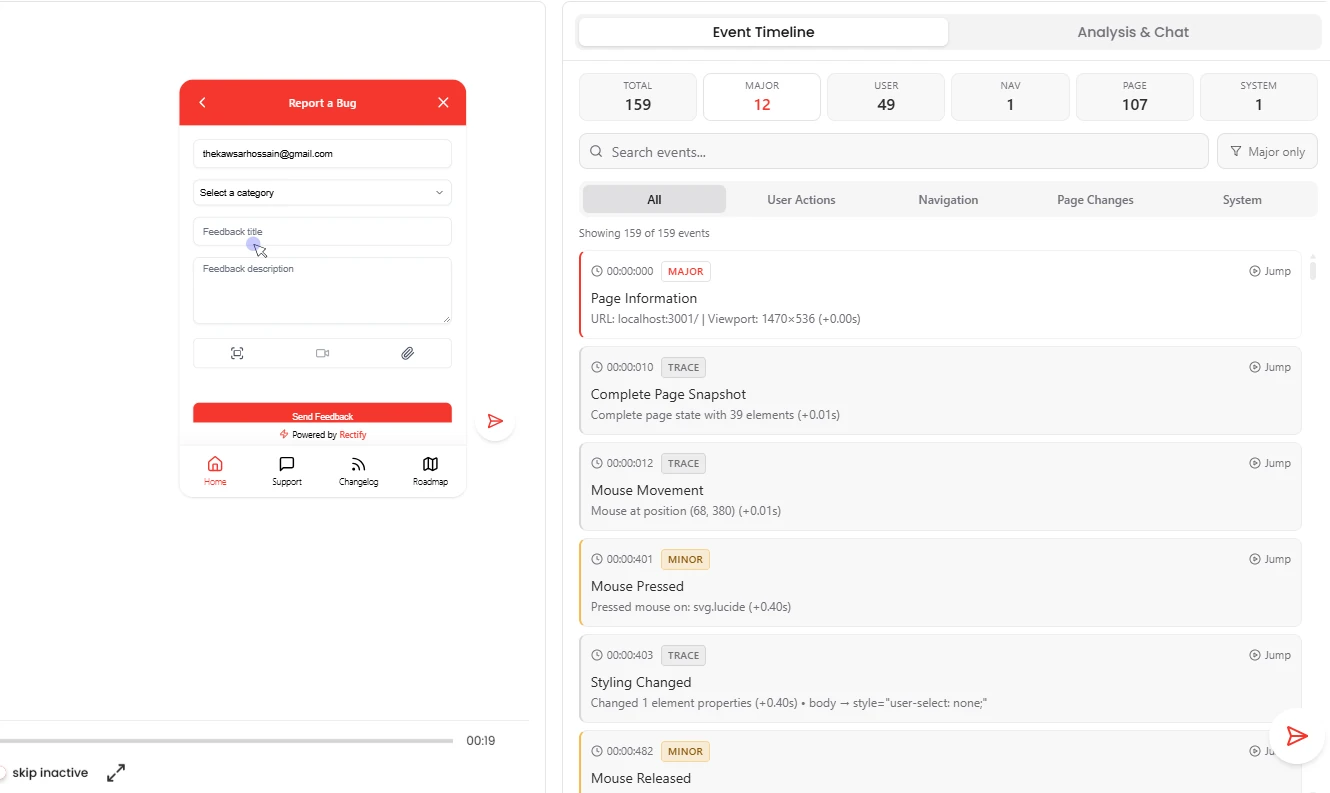
A customer reports a bug from your widget. It arrives with a replay of what they did, console logs, network errors and the exact steps they took, so Quanta works from evidence, not guesses.
Features/Understand and fix
Triage and Fix with Quanta
Quanta turns a customer’s bug report into a draft pull request. It finds the root cause from the replay and logs, writes the smallest fix it can, and opens it on GitHub for your team to review. Nothing merges without a human.
Sofia Marchetti · Fieldnote
Root cause
Selected IDs not cleared on remove.
› read MoodList.tsx
› edit selection.ts
✓ 1 file, +4 −1, $0.21
Waiting for your review
ReviewA bug report comes in. Someone reproduces it, digs through the logs, finds the file, writes the fix and opens the pull request. That’s the afternoon gone.
Quanta does the digging. You do the review.
A customer reports a bug from your widget. It arrives with a replay of what they did, console logs, network errors and the exact steps they took, so Quanta works from evidence, not guesses.
Any teammate, one click. Quanta reads the logs and the action timeline, looks at the screenshots and scans your connected GitHub repo, with progress shown live. Then it hands you a report.
Removing the last mood leaves the counter at 1
The row is removed, but the selected IDs are never cleared, so the header still counts one.
selection.size === 1 after onRemove(id)src/components/MoodList.tsxonRemove()
src/state/selection.tsclearSelection()
An admin confirms, and Quanta clones the repo, reads the suspect files and makes the smallest change it can. Every command it runs, the step count and the running cost are shown as it works. If a fix fails, it explains why in plain words and offers to retry.
› clone rectify/app, default branch
› read src/components/MoodList.tsx
› read src/state/selection.ts
› edit src/state/selection.ts +4 −1
- remove(id) { items.delete(id) }+ remove(id) {+ items.delete(id)+ selected.delete(id)+ }
✓ Fix ready. 1 file changed, 7 steps, $0.21
Rectify opens a draft pull request titled “Quanta fix:” with the triage summary, the root cause, what changed and a link back to the report, and your team gets a push notification. You review and merge as usual. Prefer your own editor? Pull the triage report into Cursor or Claude Code over MCP and fix it there.
#214 · rectify/app · quanta/fix-mood-counter into main
Removing a mood now clears it from the selection, so the counter matches the list.
remove() deleted the row but left its ID in the selected set.
src/state/selection.ts +4 −1
Quanta proposes; your team decides. Fixes stay small and focused, and every job cleans up after itself.
merges without a human
Ask Quanta
Ask in plain English and Quanta does the work. Anything that changes your data waits for a person to approve it.
Triage the Safari PDF bug.
Severity high. Likely cause (82% confidence): the blob URL is revoked before Safari opens it, in lib/invoice.ts, openPdf(). Steps to reproduce and two suggested fixes are attached.
Fix it.
Cloned the repo, read 3 files, changed 1. Draft PR “Quanta fix: Invoice PDF opens blank in Safari” is open for review. Cost: $0.38.
Can I fix it in Cursor instead?
Yes. Ask Cursor to read the Rectify triage for this bug. Any assistant connected over MCP can pull the full report.
Free for 14 days. Set up in about two minutes.